
How to Choose a Photography Website Template: 7 Things to Check Before You Buy
A template can save you weeks of work, or it can leave you with a site that looks pretty and does nothing for your business. The difference usually comes down to what you check before you buy. Here are the seven things I look at when I evaluate a photography website template, whether it is one I built or one a client is considering.
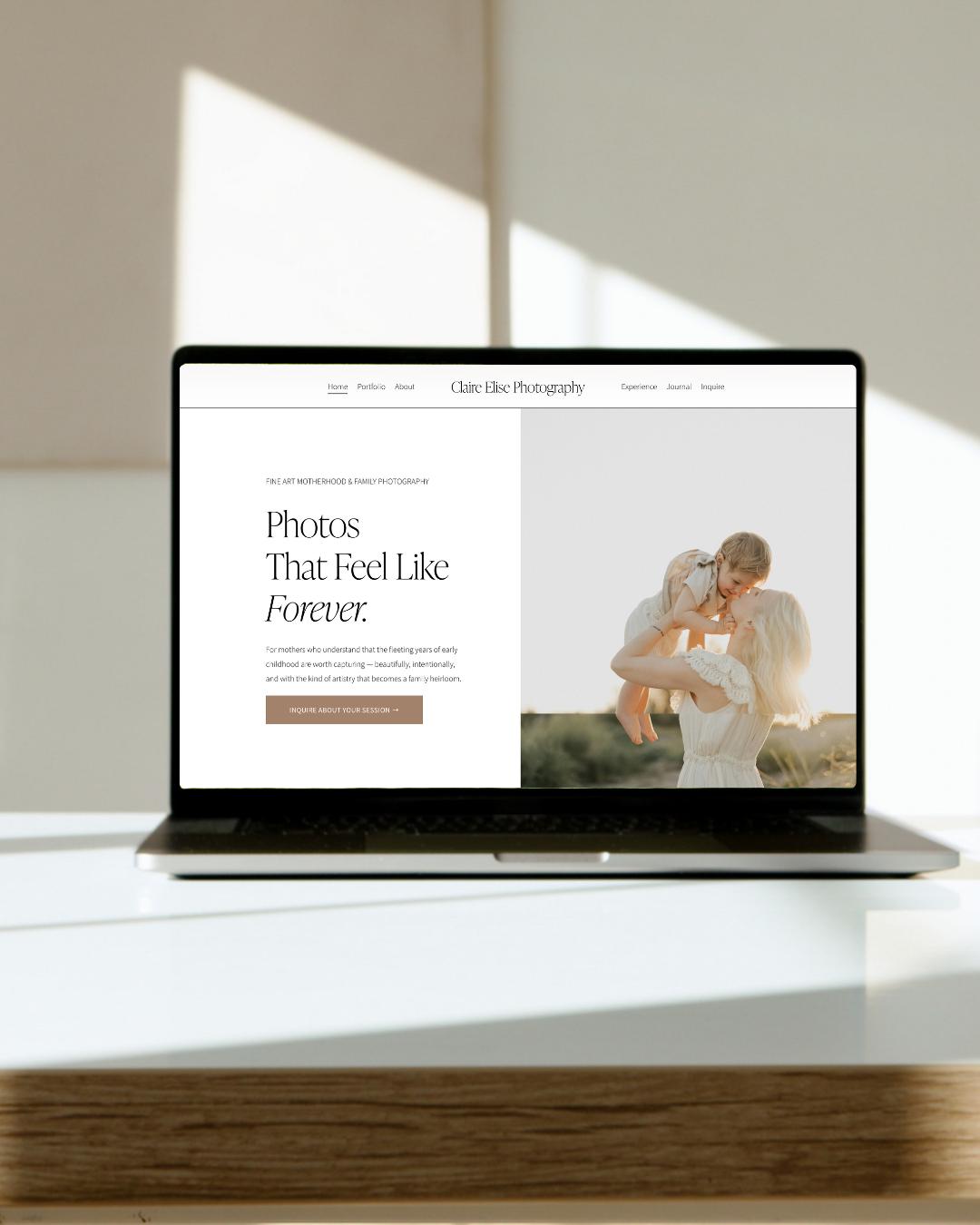
1. Is it built for photographers?
A general business template will not have the pages a photography site needs: portfolio galleries, session and pricing pages, an about page that builds trust, and a clear inquiry path. Look for a template designed around how photographers actually book clients, not one you will need to rebuild from scratch.
2. Does it set you up for SEO?
Many templates are designed to look good in a demo, and few are designed to rank. Check that you can edit page titles, meta descriptions, URLs, and image alt text, that each page has room for a clear headline, and that the layout uses real text instead of text baked into images. If you want to go deeper on this, start with Squarespace vs. Showit for photographers, which covers how each platform handles SEO.
3. How does it look on mobile?
Most people will view your site on their phone. Open the demo on your own phone, not just a desktop preview. Are the buttons easy to tap? Is the text readable without zooming? Do the galleries load quickly?
4. Does it have a blog set up?
Blogging is one of the most reliable ways to show up in local search. A good template includes a blog layout you can use right away, so you are not designing one later. If you need a system for writing posts that rank, grab the free SEO blog post system.
5. Is the inquiry path clear?
Look at how a visitor gets from landing on your site to contacting you. There should be an obvious button in the navigation and on key pages, and a contact form that is short and easy to complete. A template with a hidden or complicated inquiry path will cost you bookings.
6. Will your images work with it?
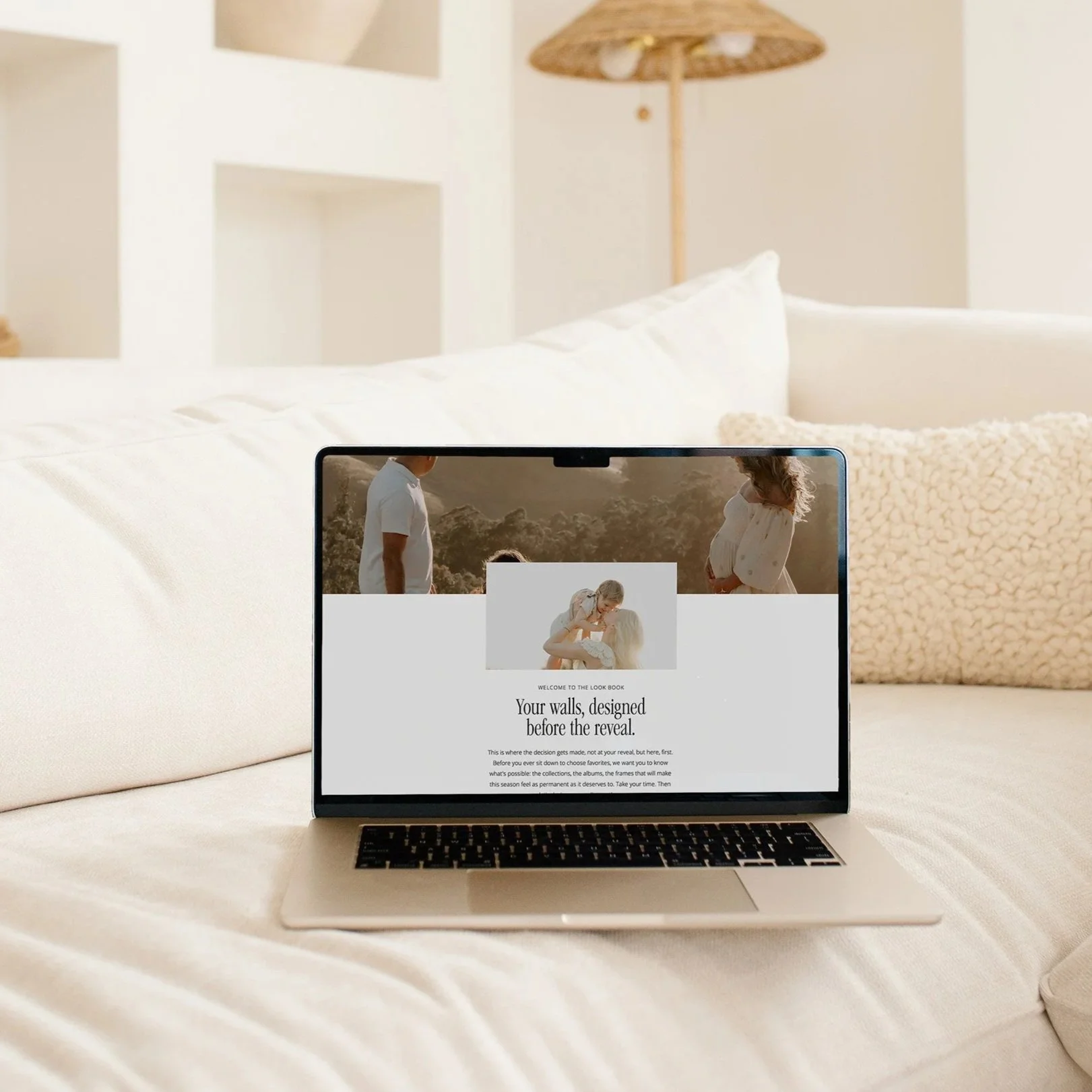
Templates are demoed with perfect photography. Think about your own images: portrait or landscape, dark and moody or light and airy. Make sure the layouts can handle your work, and that the template does not force awkward crops. Large image files also slow a site down, so check how the template handles image sizing.
7. What support and setup are included?
Buying a template is the start, not the finish. Ask what comes with it: instructions, video walkthroughs, and support. If you would rather not do the setup yourself, look for a template seller who also offers installation and customization. At The Brand Darkroom, The Setup Session covers template installation, customization, and SEO setup.
Quick checklist
Before you buy, confirm that the template:
is designed for photographers
lets you edit titles, descriptions, URLs, and alt text
works well on your phone
includes a blog layout
has a clear inquiry path
handles your style of photography
comes with support or setup help
Not sure where your site stands?
If you already have a site and are wondering whether a template is the right move, take the free Exposure Triangle Scorecard. It scores your website, organic, and paid exposure and shows you which one to fix first.
Ready to browse? See the Squarespace templates for photographers.
Frequently Asked Questons:
-
Yes, when the template is designed for photographers and you customize it to fit your brand. Templates get you a professional site faster and at a lower cost than a fully custom build.
-
A template can rank as well as any custom site. Rankings depend on how you set it up: page titles, headings, alt text, fast images, and helpful content, not on whether you started from a template.
-
Squarespace is simpler and includes a built-in blog. Showit offers more design freedom. Read the full comparison in Squarespace vs. Showit for Photographers.

Before you buy a photography website template, check these 7 things: SEO, mobile, blog setup, inquiry path, and more. Includes a quick buyer's checklist.