
Location Pages for Photographers: How to Rank in the Towns You Serve
You live in one town. You shoot in six. And Google only seems to know about one of them.
This is one of the most common things I hear from photographers. They rank fine in their home city but disappear the minute a client searches the town 20 minutes away, even though half their sessions happen there.
The fix is usually a location page. Built the right way, it's one of the strongest pages a portrait photographer can have. Built the wrong way, it can actually hurt you.
What a location page is (and isn't)
A location page is a page on your website built for one specific town or area you serve, like "Simpsonville newborn photographer" or "Lake Keowee family photographer." It tells Google, and the client searching, that you genuinely work there.
It is not a copy of your homepage with the city name swapped out. Google calls those doorway pages, and it's very good at spotting them. Ten nearly identical pages with different city names can drag down the rest of your site instead of lifting it.
How this is different from Google Business Profile
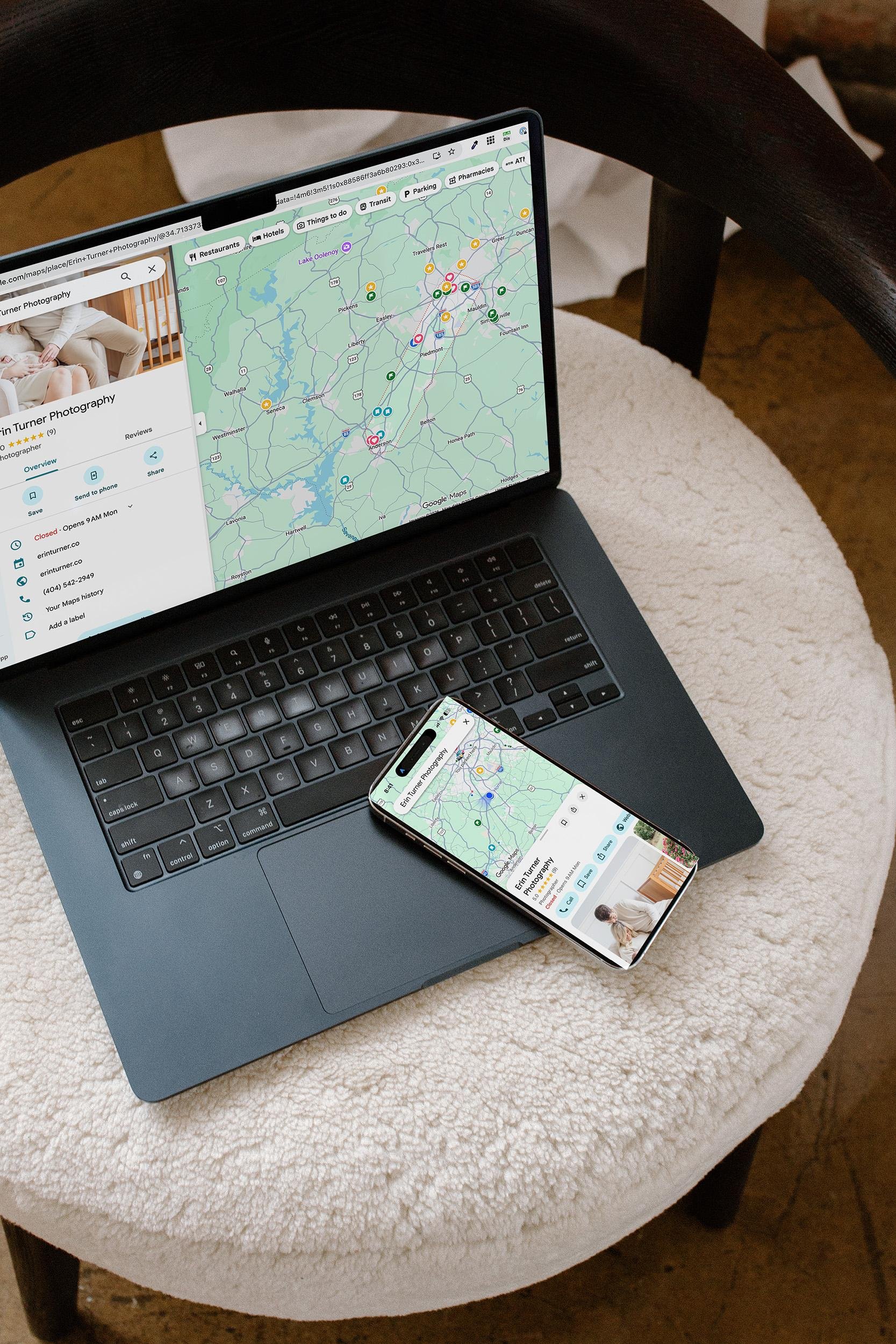
Your Google Business Profile helps you show up in the map results, and the map heavily favors businesses close to the person searching. That's why it's hard to show up in the map pack for a town you don't live in.
Location pages work on the regular organic results below the map. That's where you can compete in nearby towns, because a strong, relevant page can rank there even if your business address is somewhere else.
You want both. They do different jobs.
Should you build one? Ask these three questions
Do you actually work there? You've done sessions there, and you want more.
Do people search for it? A town with a few thousand residents may not have enough search volume to justify its own page. A quick keyword check will tell you.
Do you have something real to say about it? Local session spots, real galleries, real clients. If you can't fill the page with genuine content, it's not ready yet.
If you get three yeses, build it. Start with your top two or three towns, not all twelve.
What to put on a location page
This is where most photographers go thin. A strong location page usually includes:
A unique intro written for that town, not recycled from your homepage.
Real session locations nearby. Parks, downtown spots, lakes, or the fact that you shoot in clients' homes there.
Galleries from that area. Images from actual sessions you've photographed in that town, with descriptive alt text.
A testimonial from a local client if you have one.
Travel details. Is there a travel fee? How far is the drive? Clients want to know.
A short FAQ that answers questions specific to that area.
Links to your service pages and a clear way to inquire.
The goal is a page that would genuinely help someone in that town decide whether to book you.
Getting the SEO details right
URL: keep it simple, like /simpsonville-newborn-photographer.
Title tag and H1: include the service and the town.
Schema: add the town to your structured data so Google knows you serve that area.
Internal links: link to the page from your homepage or services page, and from every blog post about a session in that town.
Blog support: session recaps from that area are the best fuel a location page can get. Each one is another signal that you really work there.
Give it time
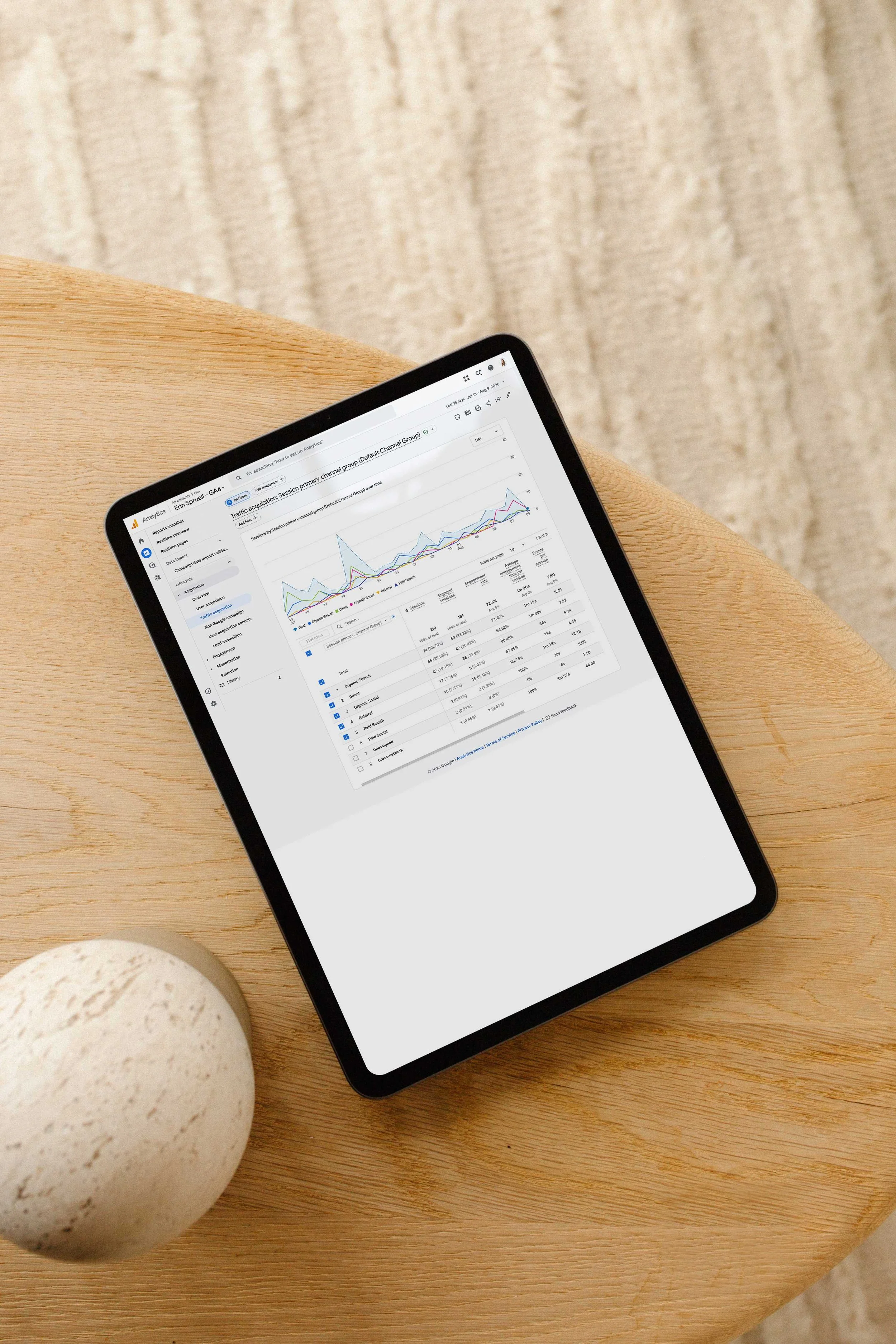
Location pages usually take a few months to settle in, especially in competitive markets. Watch them in Google Search Console. If a page is getting impressions but sitting on page two, add another local session post and a couple of internal links before you change anything else.
Want to map this out together?
Deciding which towns deserve their own page, and building them so they actually rank, is part of the second month of The Exposure Sprint, my 90-day SEO coaching program for photographers. We'll pick your locations based on real search data and build them alongside your service pages. The founding cohort starts November 3. Learn more here.
FAQ
How many location pages should a photographer have? Start with two or three for the towns you serve most and that people actually search for. Add more only when you have real sessions and content to support them.
Can I rank in a city I don't live in? Yes, in the regular organic results. Map results lean heavily on distance, but a strong location page can rank organically in nearby towns.
Will duplicate location pages hurt my SEO? They can. Pages that only swap the city name are seen as low quality. Each location page needs its own content, images, and details.
Do location pages work on Squarespace and Showit? Yes. They're regular pages, so you can build them on any platform.


Want to rank in the towns you serve, not just the one you live in? Here's how photographers can build location pages that rank without looking duplicate.